Yale Home: Raising the Bar

A holistic, ongoing effort to bring the Yale Access App up to the standard of the hardware it controls.

Gray arrow pointing downward with a small horizontal line below the arrowhead.
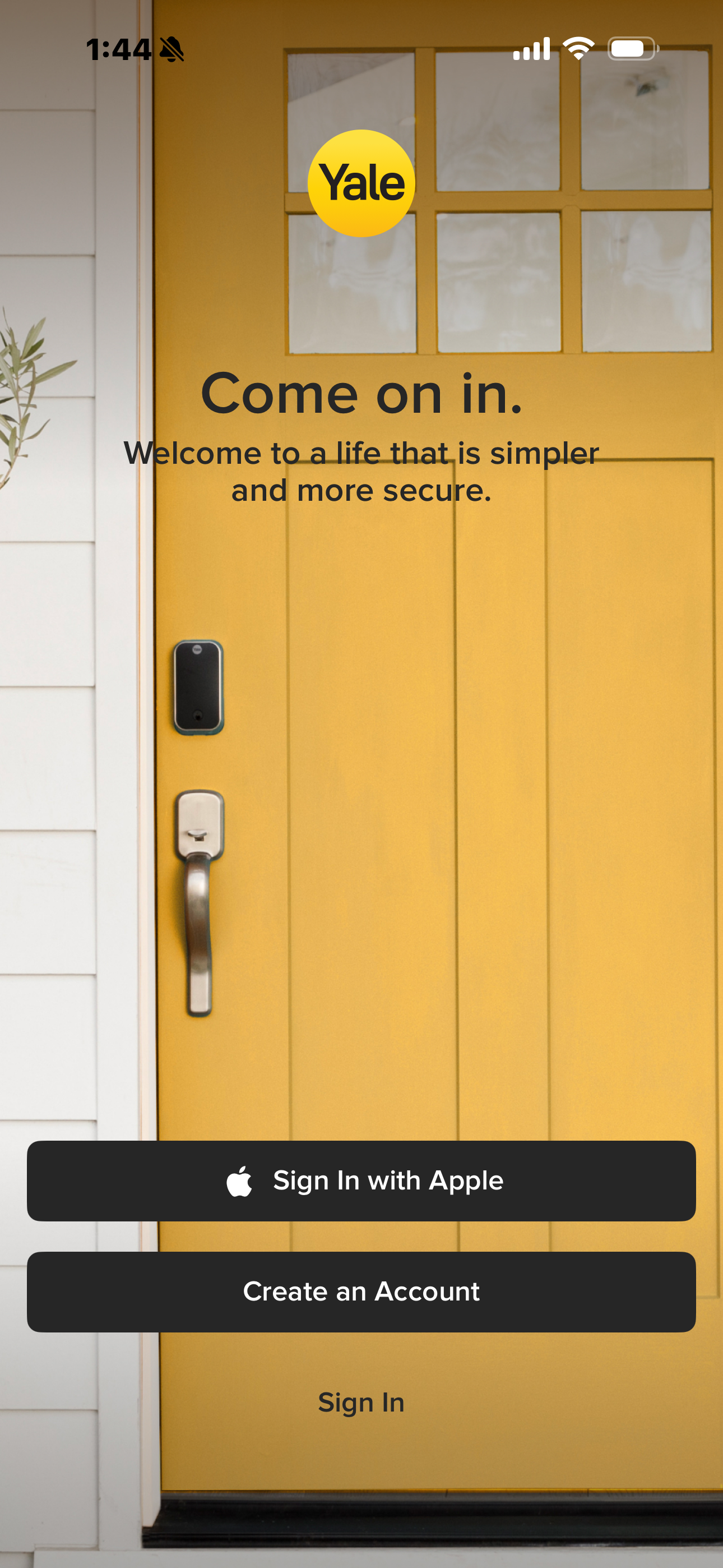
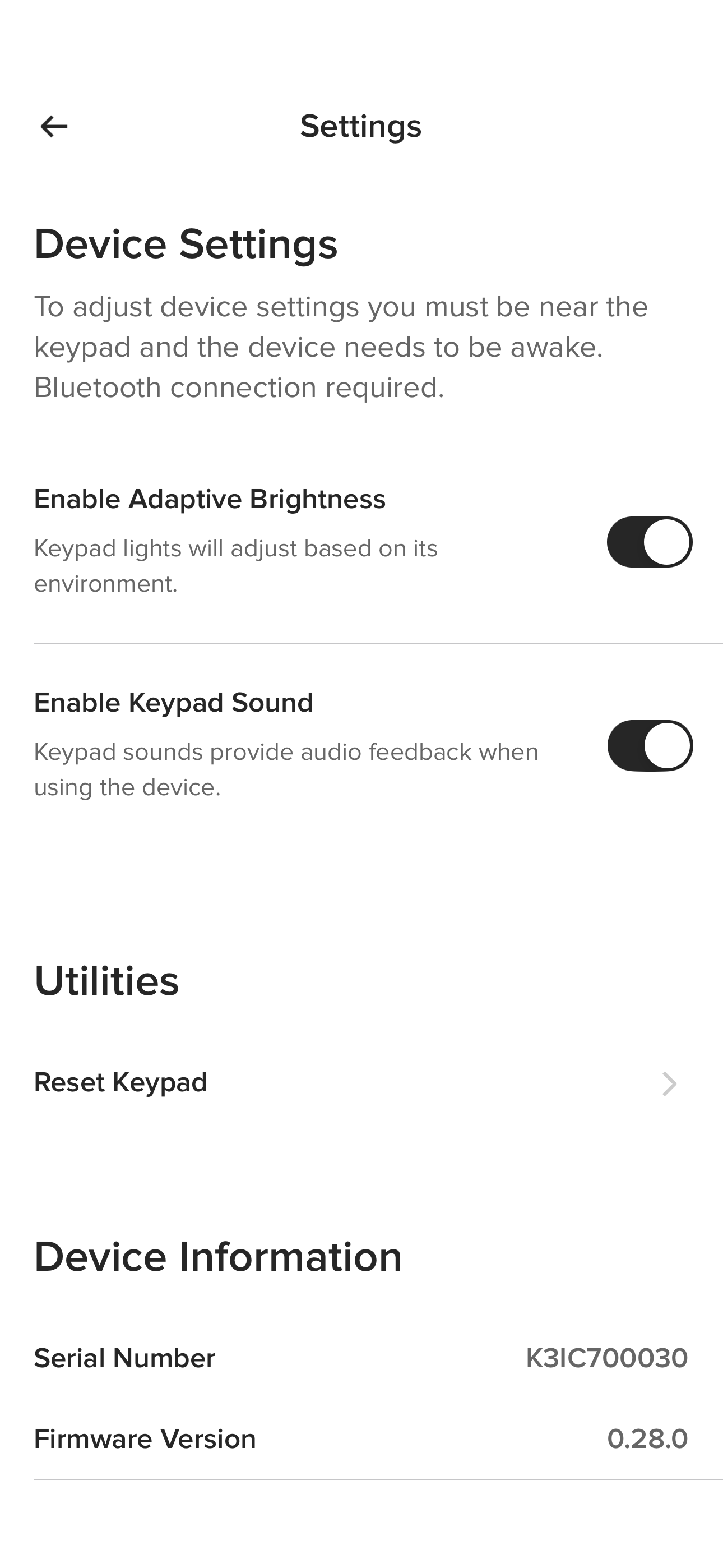
Yellow front door with smart lock and Yale logo inviting users to sign in or create an account.Phone screen showing an app instructing to scan a QR code on a red device to identify it.Settings screen showing device options to enable adaptive brightness and keypad sound, with serial and firmware info.

One app, years of listening, and a commitment to closing the gap

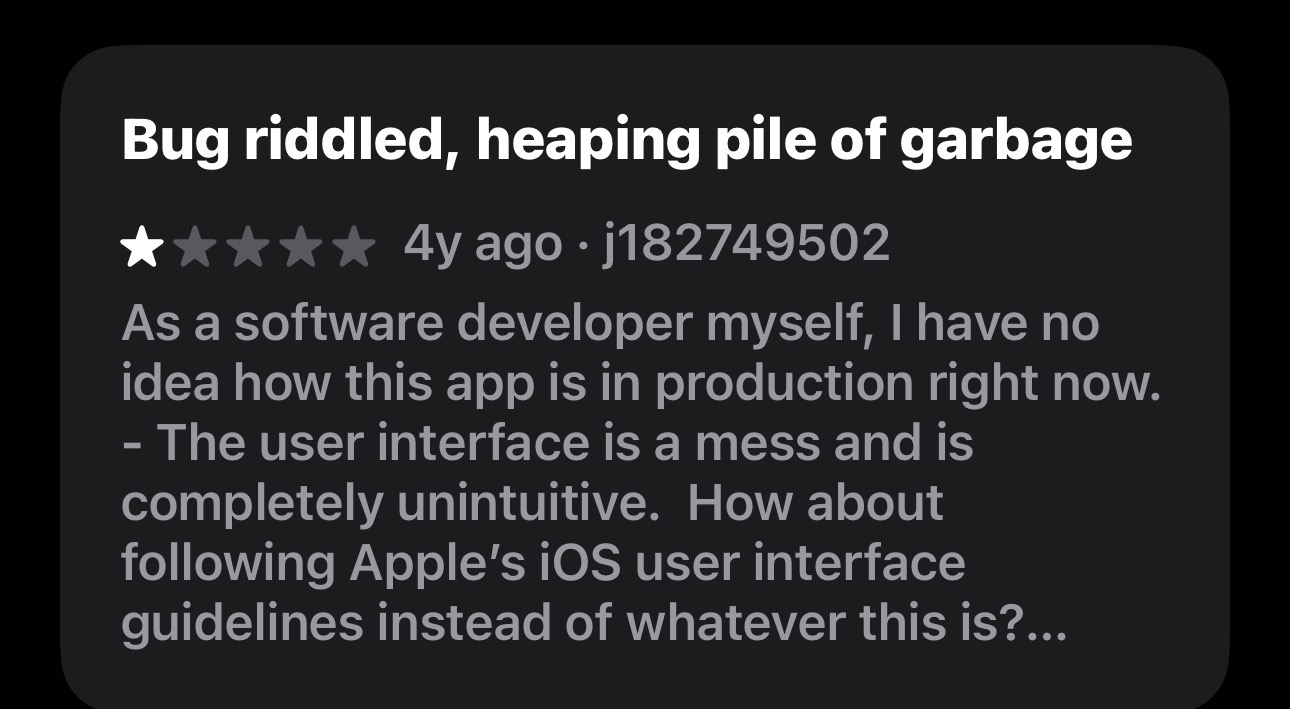
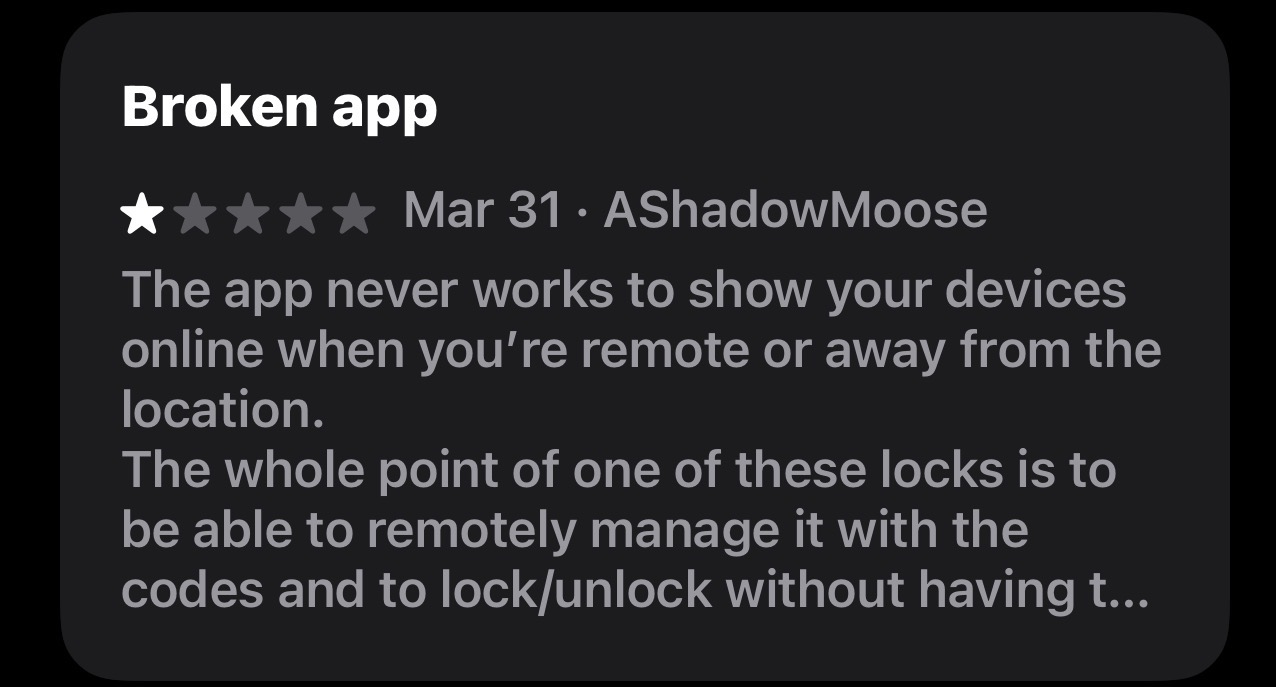
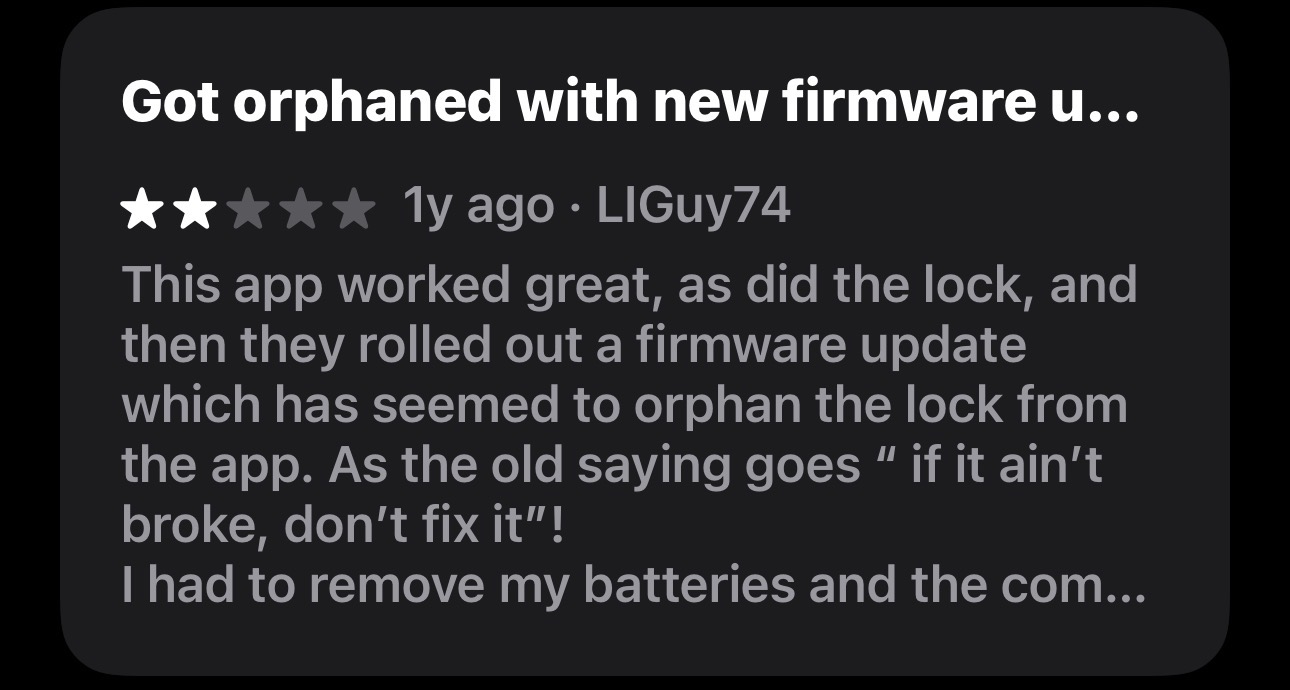
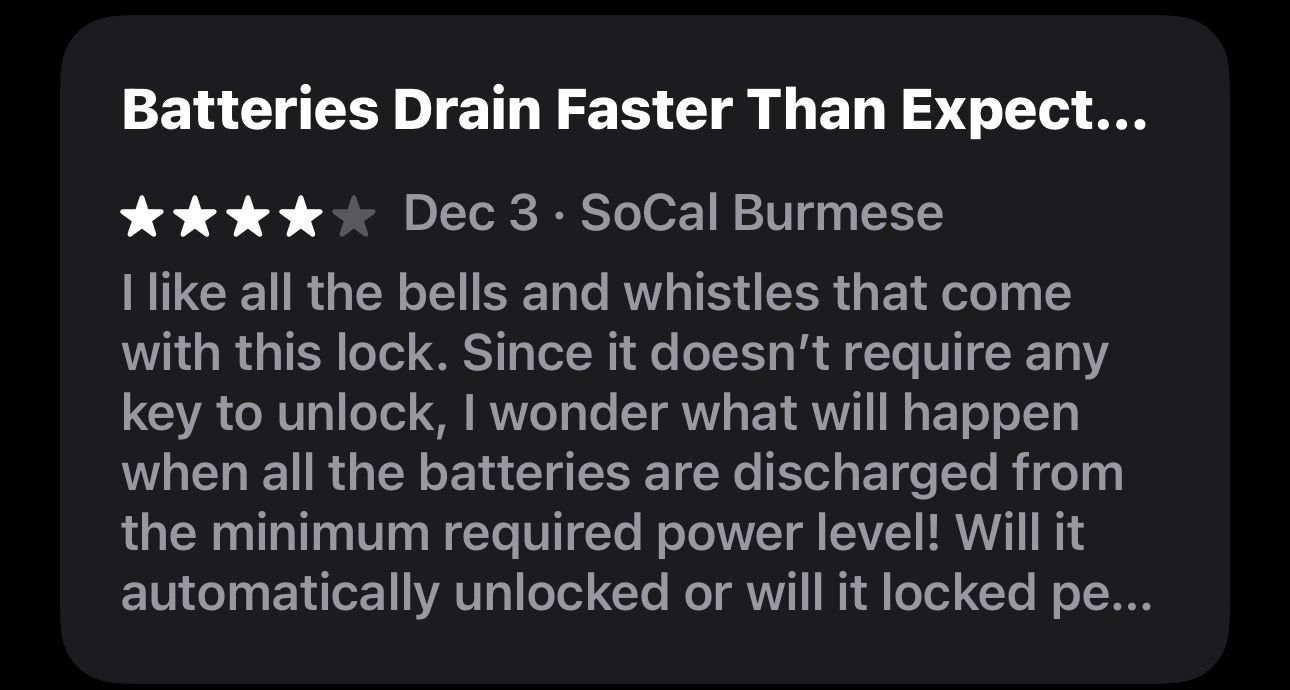
The Yale Access App controls some of the most trusted smart locks on the market — but for years, the app experience didn't match the quality of the hardware it powered. As part of the Yale smart home design team, I was part of a sustained, holistic effort to close that gap. Alongside other senior designers, I continuously monitored user sentiment across beta programs, Amazon reviews, and app store feedback — building a shared picture of where the experience was falling short and advocating for the initiatives needed to fix it.

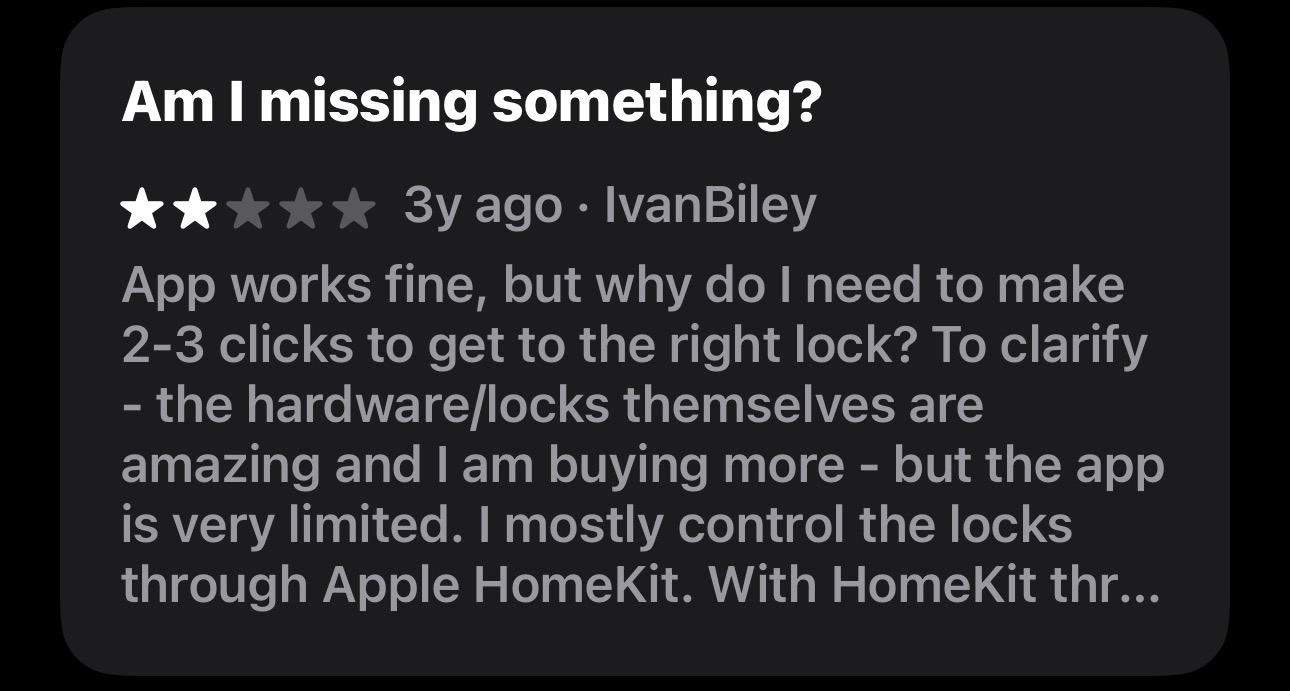
negative 1-star reviewUser review with 2-star rating questioning why app requires 2-3 clicks to access correct lock.
Three out of five stars rating followed by the text: Great lock, poor app.Star rating of three out of five stars and text stating poor battery life and app reliability.Three out of five orange stars rating with text 'When it works it’s great'.
One-star app review calling it a bug-riddled, unintuitive mess and criticizes UI not following iOS guidelines.
Rating of three and a half orange stars with text Tough Installation beside it.Two orange stars out of five with the text: Great locks, great concept, but abysmal app functionality.One yellow star and four gray stars with text: Geek Squad Can’t Install
Star rating review titled Broken app with one-star rating complaining app fails to show devices online remotely.
One-star rating with comment: Does not stay connected to wifi and randomly shuts.WiFi signal strength showing two out of five stars with text 'WIFI connection no good.'
User review giving 2 stars, complaining the app orphaned the lock after a firmware update.
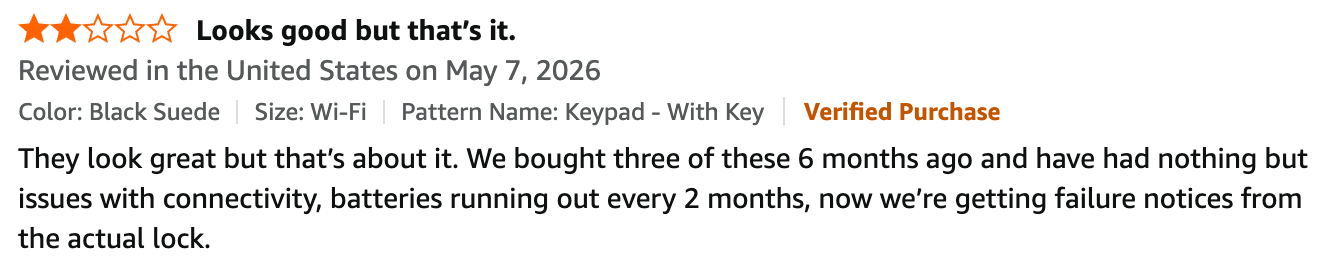
Three yellow stars and two gray stars above the word Glitchy in bold black text.Three out of five orange stars and text saying Yale lock drain’s batteries too fast.Three out of five stars rating above the text 'Battery Life Issues'.
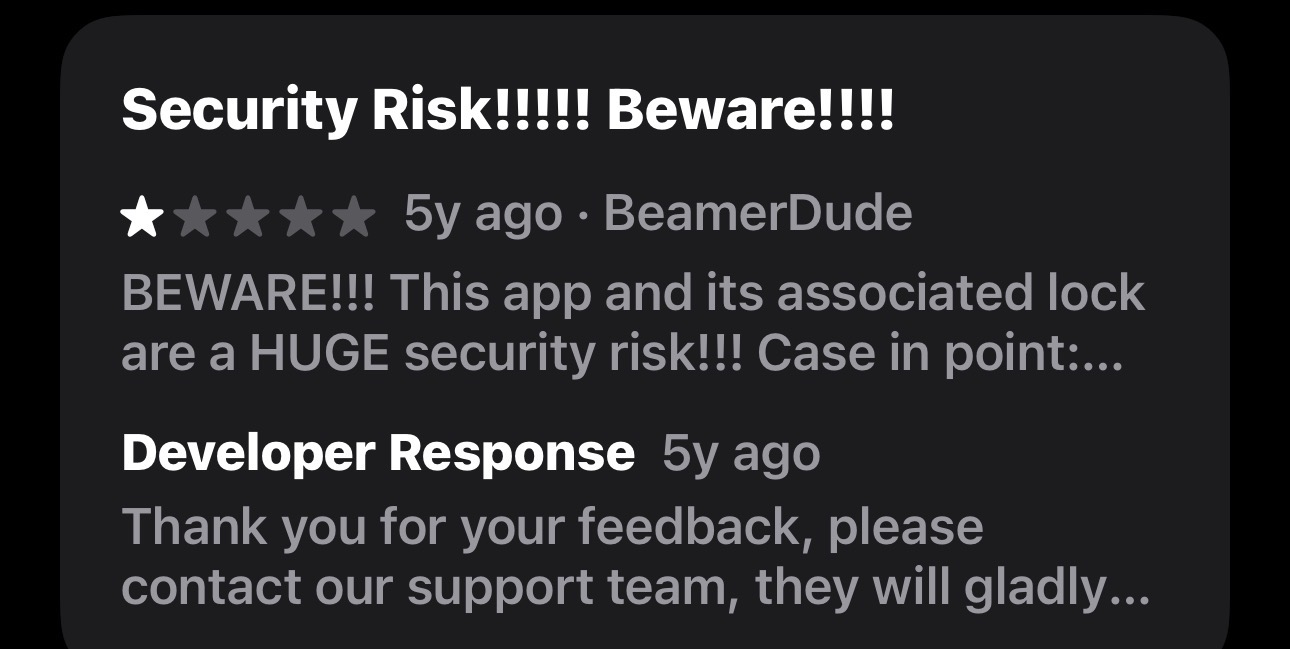
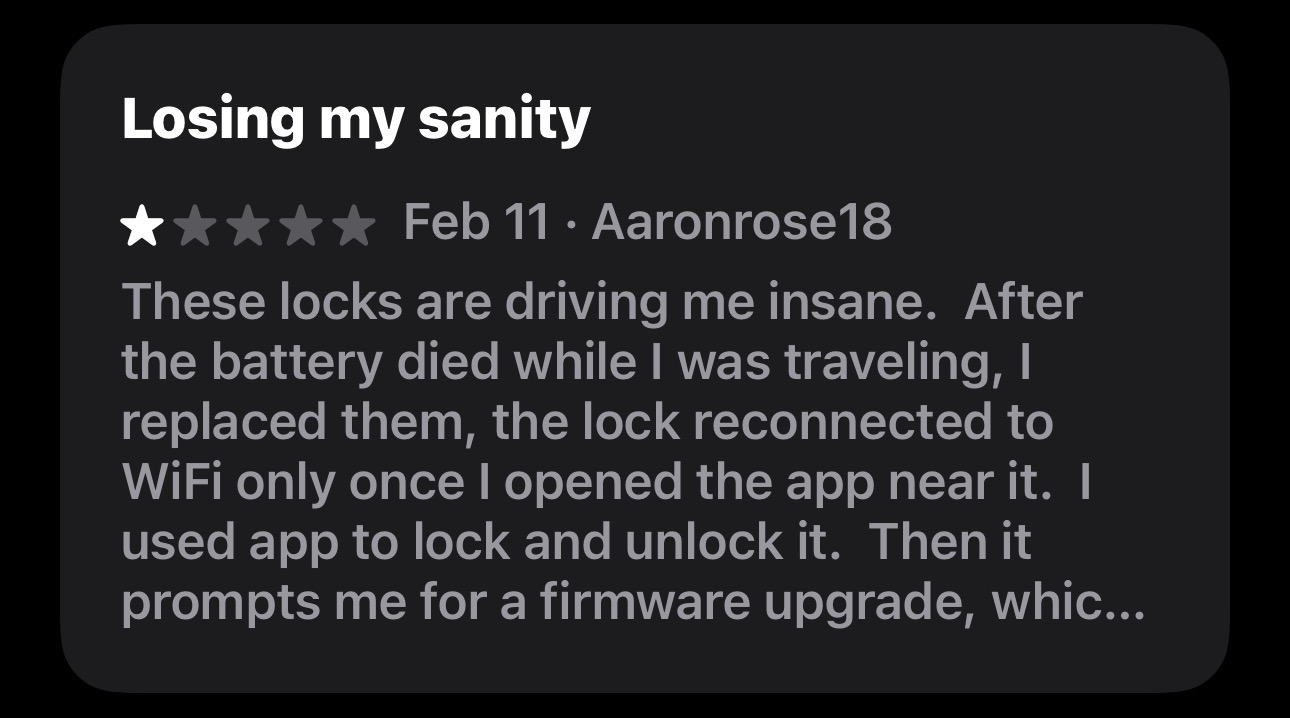
Review titled 'Batteries Drain Faster Than Expect...' with 4-star rating by SoCal Burmese dated Dec 3.Customer review with 2 out of 5 stars critiquing connectivity and battery issues of a Wi-Fi keypad lock.App review warning of huge security risk with a one-star rating and developer response thanking for feedback.One-star review titled Losing my sanity complaining about locks reconnecting to WiFi and firmware prompts.
Scroll/swipe to see more
Right-pointing arrow icon

Turning recurring signals into targeted design initiatives

Rather than treating issues in isolation, our team approached the Yale Access App as a living product that needed ongoing, research-backed investment. Over time, we identified a set of recurring pain points that surfaced consistently across user feedback channels:

  • Outdated and confusing app navigation;
  • A lock installation experience that was nearly impossible for non-technical users;
  • Poor visibility into battery status;
  • Confusing access control flows;
  • Friction around lock connectivity and firmware updates.

Each of these became a focused design initiative — some owned by me, others by fellow senior designers — all driven by the same commitment to bringing the app experience in line with Yale's hardware quality.

Leading the changes that mattered most to everyday users

Of the initiatives that came out of this sustained research effort, I personally led four:

  • A complete overhaul of the app's navigation architecture — the most structurally complex challenge in the product;
  • An end-to-end redesign of the lock installation experience, which I took from discovery to delivery entirely on my own;
  • A comprehensive device connectivity experience (currently under development);
  • Firmware update experience (currently under development).

The shipped projects followed the same pattern: identifying the problem through user evidence → advocating for the initiative → leading the research and design processdelivering a solution that meaningfully improved the experience for the vast majority of users.

The unreleased work follows the same approach, and will be added to this portfolio upon release.

Very different design challenges - same goal

Each of the projects below represents a distinct type of design problem — one structural and systemic, the other tactile and instructional — but both rooted in the same holistic understanding of what Yale users needed most.

Navigation Makeover

Modernizing a legacy smart lock app by redesigning navigation around real user behavior.
yale home
Phone screen showing a large red circle labeled Locked and battery status at 92% Sufficient.

Installation Experience

Redesigning the end-to-end installation experience for the Assure 2 lock family, spanning in-app flows, printed manuals, and out-of-box experience.
yale home
Yale Assure Lock 2 Touch keyed YRD420-F installation and setup guide inside a cardboard box.