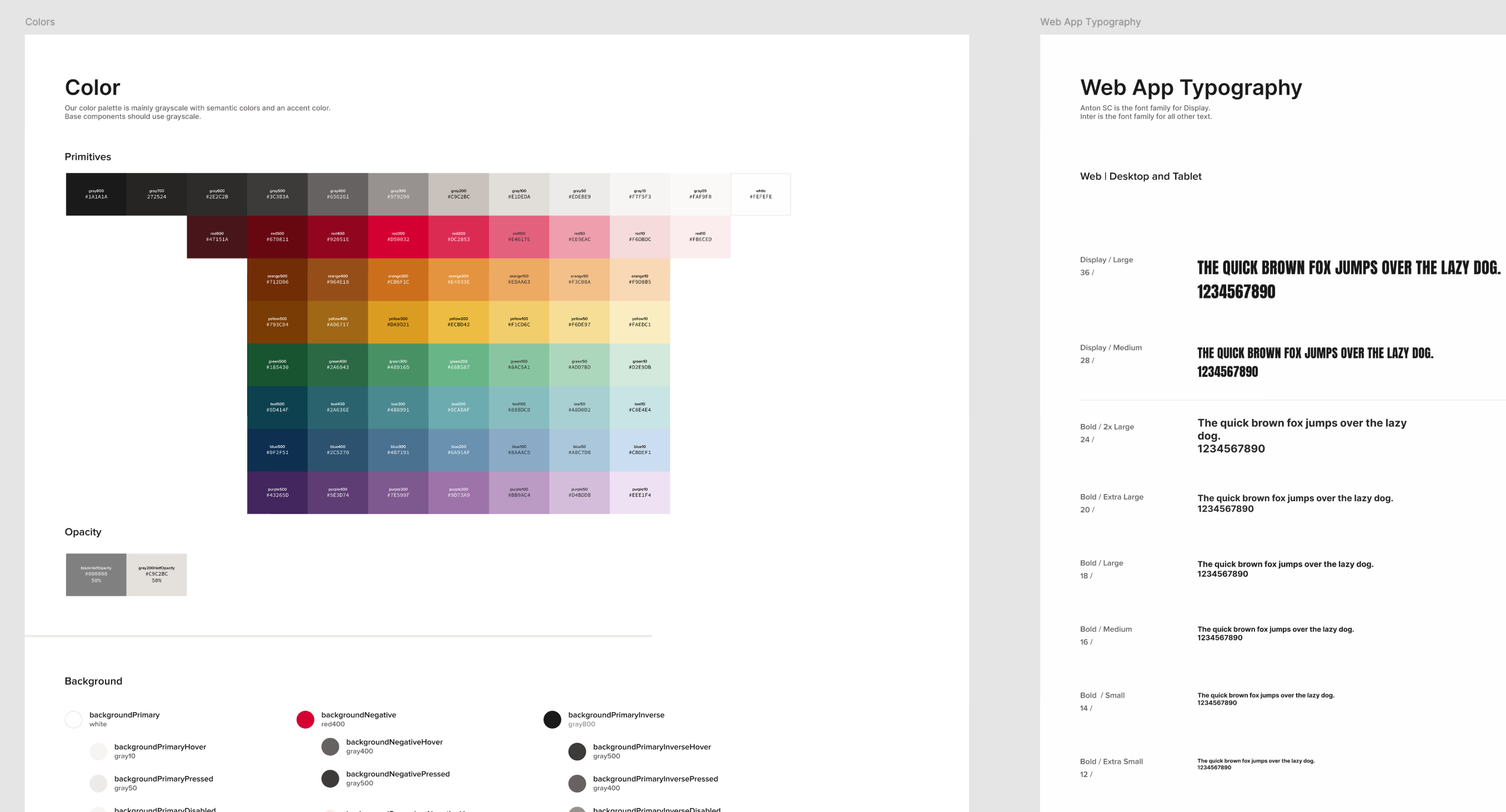
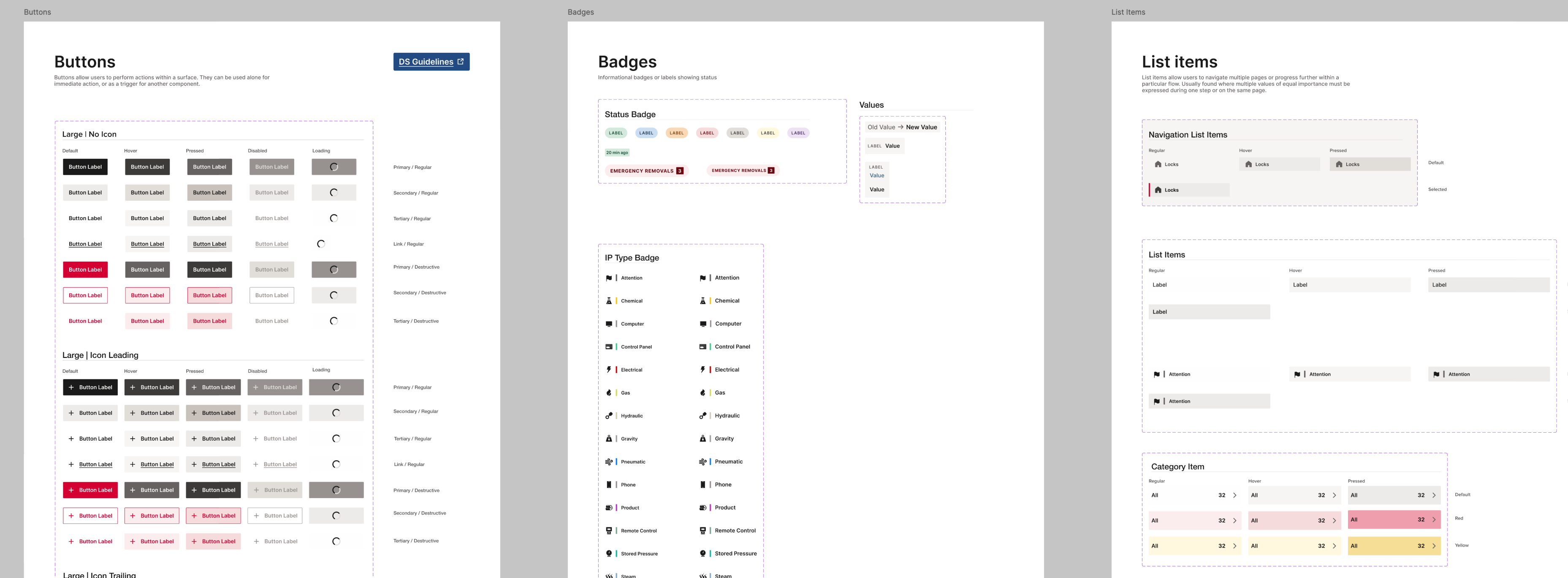
The foundation of the system was built collaboratively, covering the full spectrum of visual fundamentals. We defined:
approach:
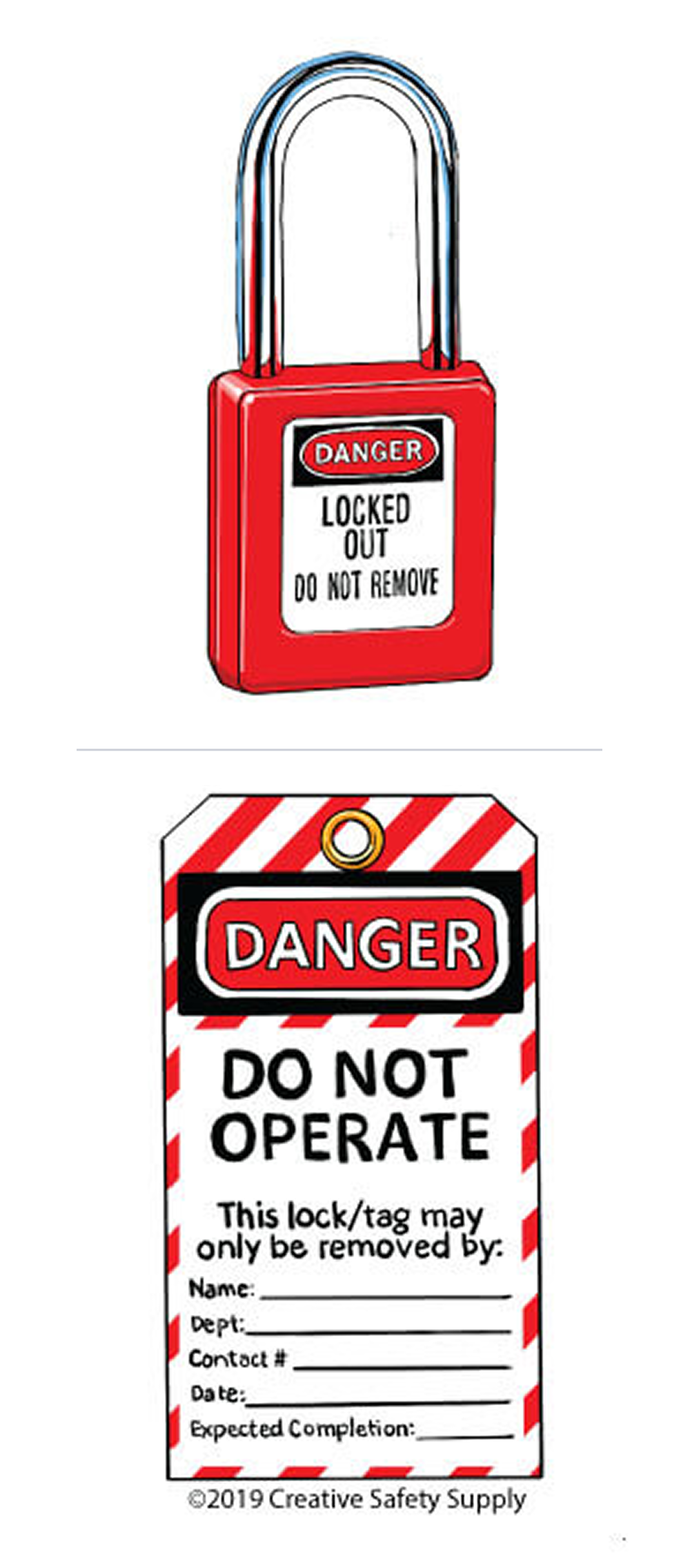
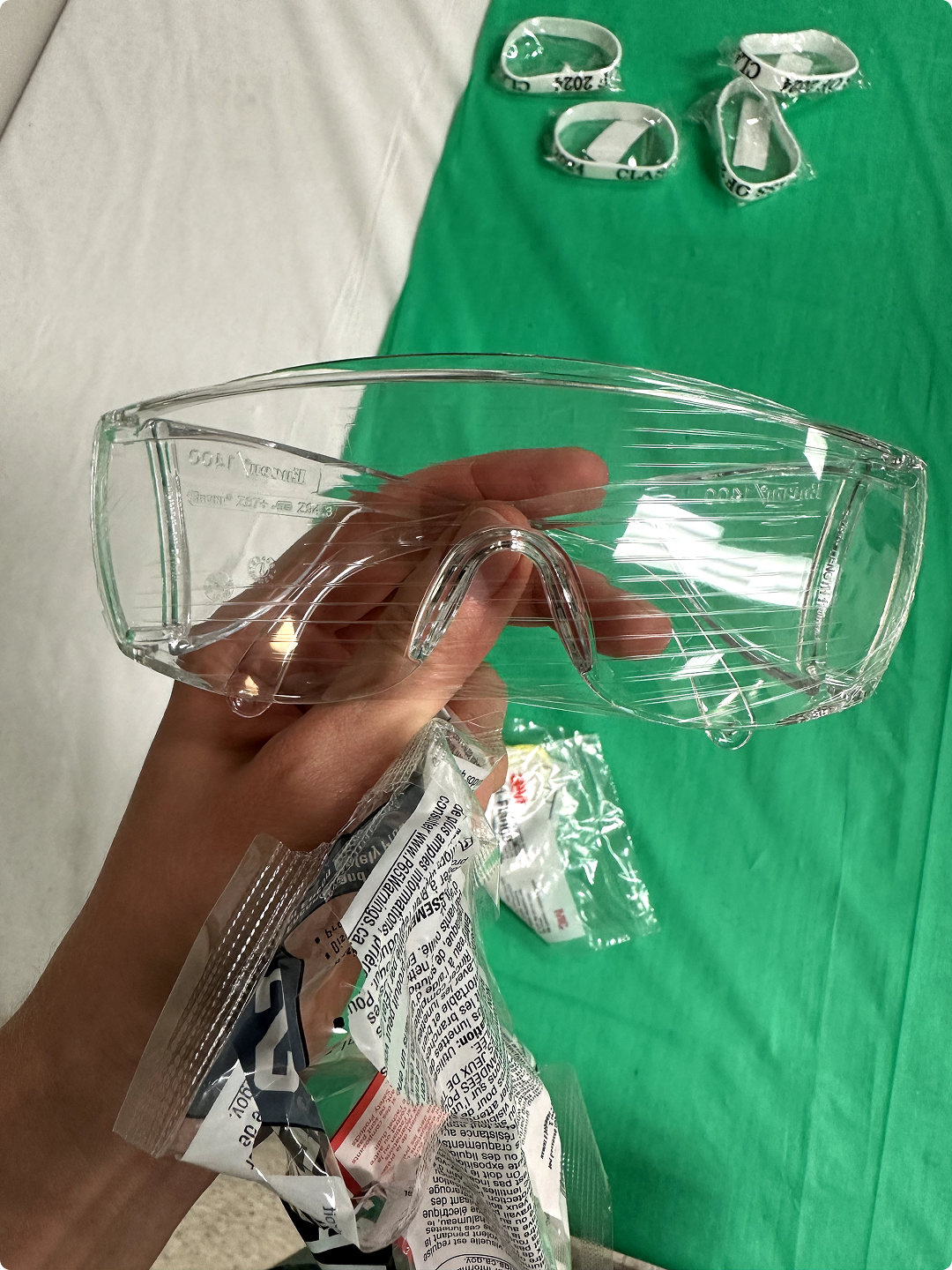
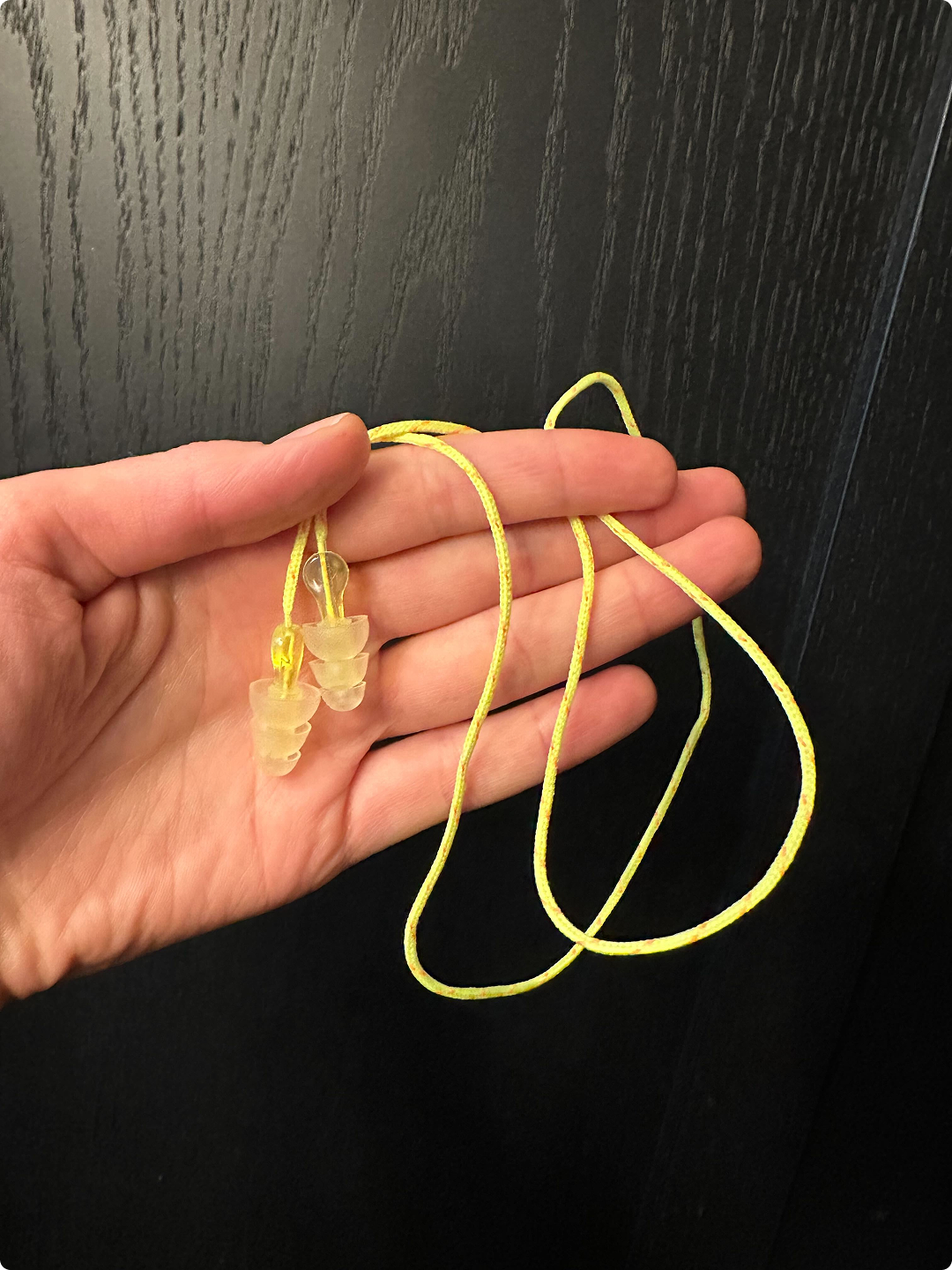
Color and typography choices being dictated by field conditions


solution:
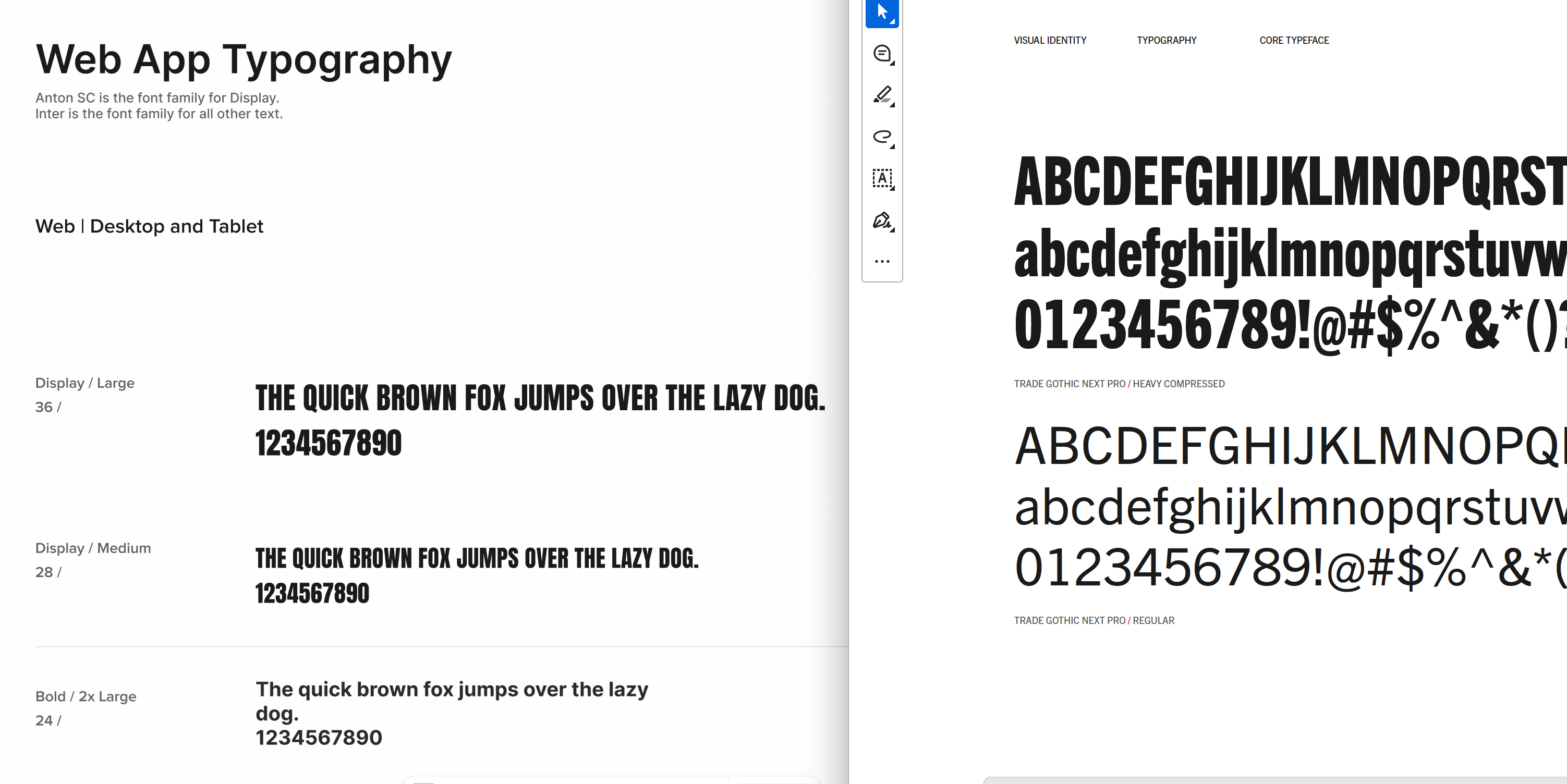
Anton SC paired with Inter became a great free alternative to Trade Gothic Next Pro that allowed us to move along with the development.

A shared set of components formed the backbone of the system, designed to work seamlessly across both the web platform and mobile apps. Accessibility wasn't an afterthought — it was a core design constraint from the start. Every clickable and tappable element had to be large enough for a worker wearing goggles to see clearly and gloves to tap accurately. The commonly accepted 44x44px minimum touch area — while standard in consumer products — simply wasn't sufficient for a mobile experience used in PPE-heavy industrial environments. We exceeded that baseline across the board. Components included:
constraint:
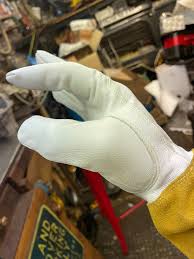
A worker wearing goggles and/or gloves must be able to interact with the UI at all times.

The web app required a deeper set of components to support its more complex navigation and data-heavy workflows. These included
A few mobile-specific components were designed to reflect native patterns and the constraints of smaller screens, ensuring a fluid and familiar experience on both iOS and Android. These included:
One of my most impactful individual contributions was translating the static design system into a fully interactive prototype in ProtoPie — entirely on my own. Key components were prototyped to reflect real interactions: hover and pressed states for buttons and list items, the full dynamic behavior of input fields — including the disappearing placeholder label as a user begins typing, and the appearance of a clear button the moment the first character is entered. This interactive layer served two critical purposes: , and it gave engineers a precise, interactive reference for component behavior before implementation began — significantly reducing back-and-forth and saving meaningful development and QA time.
To see the system in action, I've put together a video walkthrough that covers the key components and interactions in detail - available to watch below.
Building the components was only part of the work. To ensure the system could be used consistently — and maintained as the team grew — I initiated and led the creation of three foundational documentation layers.
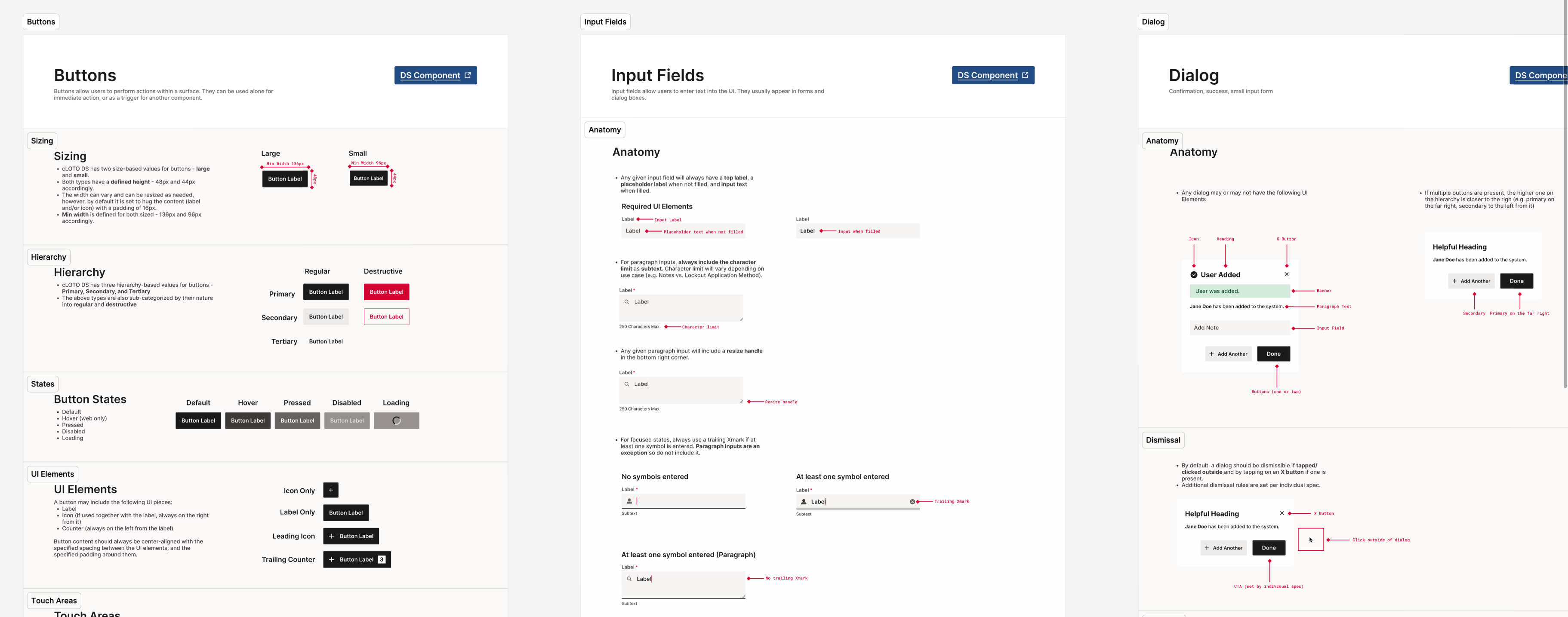
Design system guidelines covered how each component should be used in practice. For example, for buttons, I outlined primary, secondary, tertiary, and destructive hierarchy; all states and their purposes; icon + label + counter placement rules; touch areas; button docking and scroll behavior; and component variants. The same level of detail was applied across every component in the library.
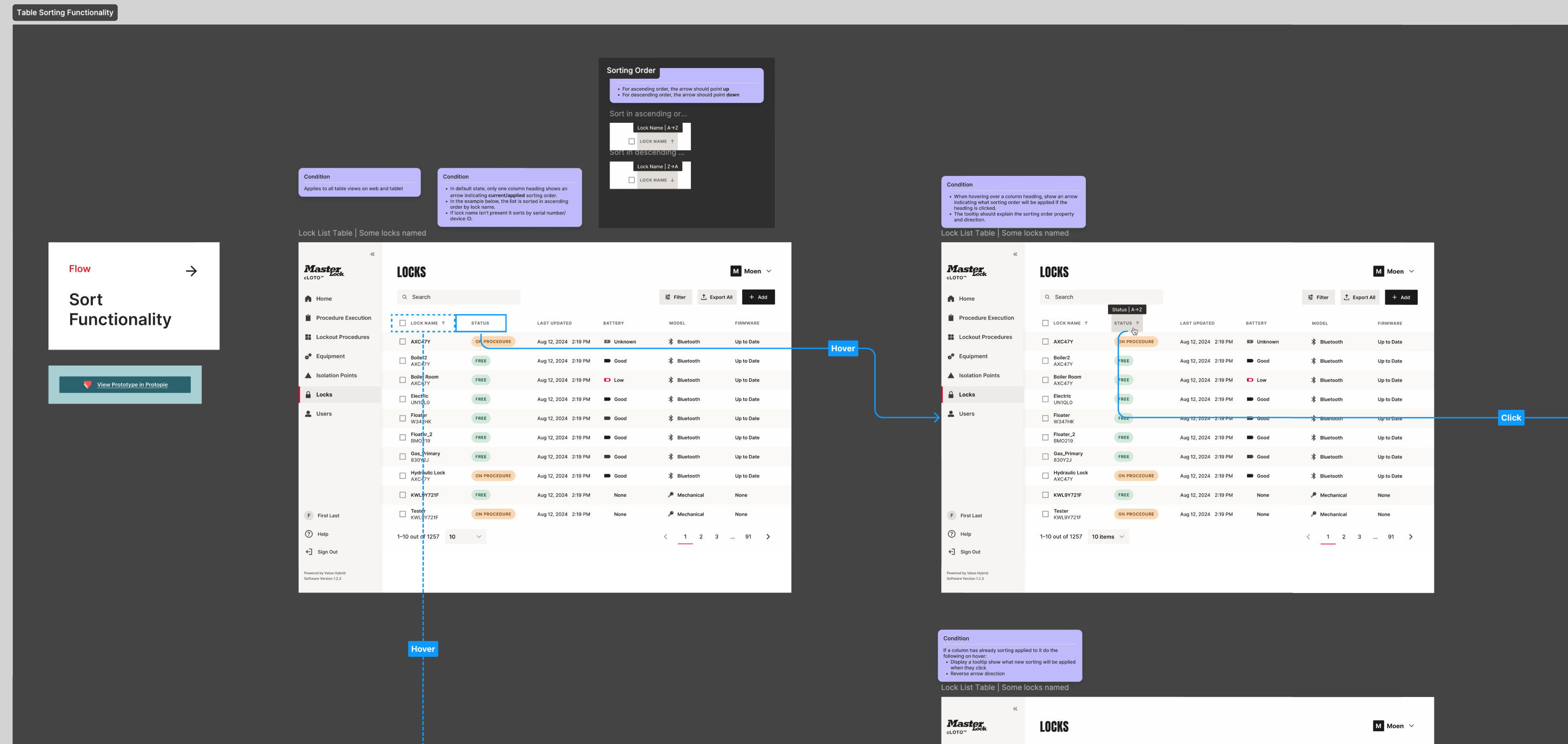
Cross-platform functionality guidelines documented how key behaviors worked across the system — covering navigation, search, pagination, filtering, sorting, loading states, empty states, and image functionality. These ensured that shared interactions were defined once and implemented consistently, regardless of platform or feature area.
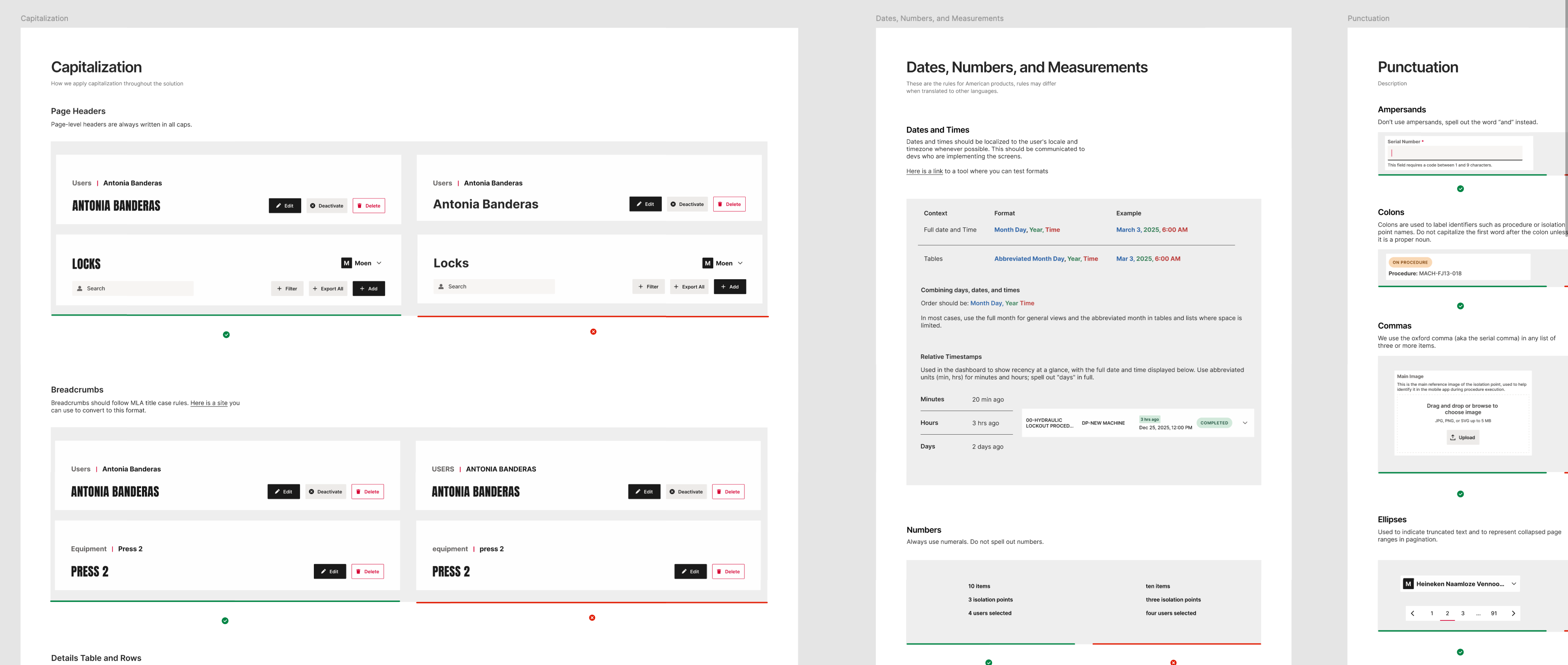
Language guidelines established the voice and tone of the platform, alongside rules for capitalization, date and number formatting, punctuation, and pronouns. A product glossary standardized terminology across every surface — decisions like always using "sign in" and "sign out" (never "log"), and "equipment" instead of "machines," ensured the platform spoke with one consistent voice regardless of who was designing or building it.
The design system's reach extended well beyond its origins. When our strategic partner Value Hybrid built out the engineering component library, our team supported the implementation directly — ensuring design intent translated accurately into code. As the cLOTO enterprise platform began taking shape in the summer of 2025, the existing design system was adopted as its foundation — a natural extension that validated the scalability of what we had built. When Master Lock began its own in-house implementation, I personally onboarded the team, walking them through the system's scope, logic, and documentation. What started as a solution to a single product's inconsistency problem had grown into a shared language across multiple teams, platforms, and implementations.
My involvement with the design system spanned its full lifecycle — from laying early groundwork during Phase 1, through the intensive build-out of Phase 2, and into an ongoing mentorship role in 2025-26 as new designers joined the team. I contributed directly to the majority of core components, created the interactive design system in ProtoPie, initiated and delivered both the design system and language guidelines, and onboarded two separate engineering teams on implementation. As the team evolved around me, my role shifted naturally from hands-on builder to the person who set the standard, maintained quality, and ensured continuity.
Building the interactive ProtoPie system after the static components were already defined meant going back through everything at once. Prototyping each component as it was designed would have caught interaction edge cases earlier and given engineers a reference sooner.